The short answer
In most cases you cannot freely move a travel eSIM to another phone once it has been installed and activated, because the profile is tied to the device it was installed on and the activation code is typically single-use. That is the honest answer, and it is worth knowing before you install. If you have not installed your Japan eSIM yet, you still have full freedom to choose the phone. If you already have and now want to switch devices, there is no guaranteed self-serve way to move it, so the safest route is to contact support with your order details.
Why an eSIM is tied to the device
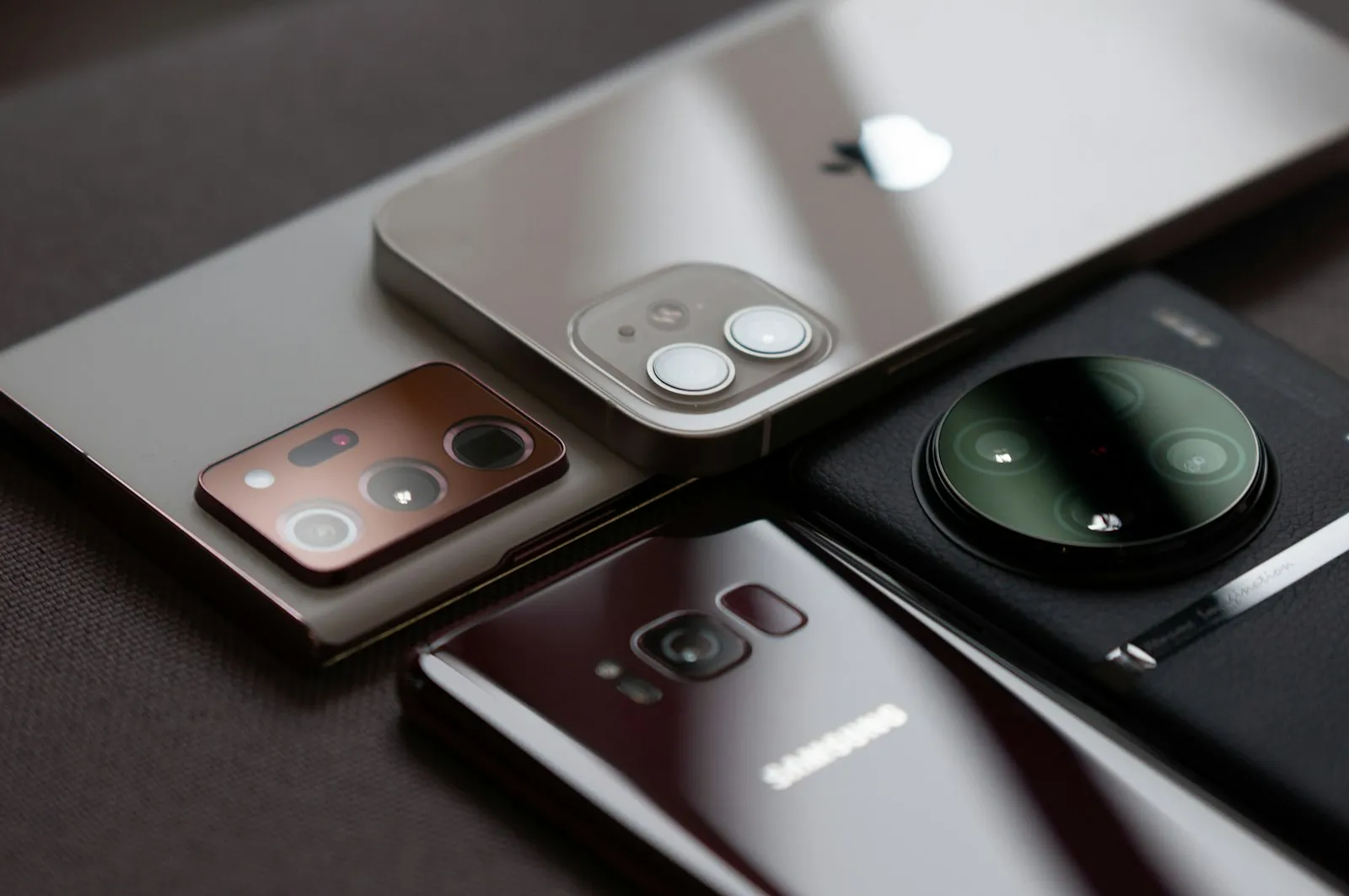
An eSIM is a profile written into one phone's hardware, so unlike a plastic SIM you cannot pop it out and slot it into another handset. When you install an eSIM, its details are stored securely on that device and the network links your plan to that install. Moving the plan to a new phone is not the same as copying a file: it generally needs a fresh profile to be issued for the new device. Some carriers offer an eSIM transfer tool between two of their own phones, but that is a carrier feature and cannot be assumed for a travel eSIM.
The activation code is usually one-time
The QR code or activation code you received is typically valid for one install only, so scanning it on a second phone usually will not work. Once a code has been used to set up the eSIM on one device, most systems mark it as consumed and it cannot be reused to add the same plan elsewhere. This is a deliberate anti-fraud measure, not a glitch. Treat the code like a password: do not share it or try it on a spare phone, because a failed attempt can still burn the code.
Not installed yet? Pick the phone you will carry in Japan
If you have not installed the eSIM yet, install it on the exact phone you will actually carry in Japan, and do it while you still have Wi-Fi at home. Pick the device that will travel with you, is unlocked and supports eSIM, then follow the install steps for your iPhone or Android before you fly. Installing early on the right phone avoids the whole transfer problem, because the profile lands where you need it from the start. Do not install it on a home tablet or an old phone to test it first: that first install is the one that counts. It is also the phone that will hold your Visit Japan Web 2D code at immigration, so there is a second reason to settle on one device before you leave.
Deleting an eSIM can be permanent
Be careful deleting an eSIM profile, because removing it can be permanent and it may not be possible to add it back from the same code. On both iPhone and Android the settings offer a Delete eSIM or Remove eSIM option, sometimes near a factory reset or an erase-all step, and it is easy to trigger by accident. If you delete the profile, the original code has usually already been used, so re-adding the plan is not guaranteed. Only remove an eSIM you are sure you are finished with, and if you are unsure, leave it in place and ask support first.
New or broken phone in Japan? Contact support
If you have already switched to a new phone, or your old phone broke halfway through the trip, do not assume a self-serve transfer exists: email Goodbars support with your order details and ask what is possible. Write from the address you ordered with and include your phone model and what happened, so support can look up your order and explain the options for your plan. Whether a reissue is possible depends on the plan and how far it has been used. Do not keep scanning an old code in the meantime, because a failed attempt can burn it.
While you wait, Japan gives you real fallbacks, and our staying-connected guide walks through all four ways to get online: a travel eSIM on another handset, a local SIM, a rented pocket Wi-Fi, or Wi-Fi where you find it with home roaming behind it. Goodbars sells a Japan eSIM you install at home and switch on when you land; it runs on NTT docomo, Japan's largest mobile network by mobile contracts, and our Japan coverage page shows where it reaches and what independent speed tests measure. Carrying ID is not the obstacle, since the FCDO says you must always carry your passport in Japan anyway, and if you end up paying cash, it names Japanese post offices, 7-Eleven stores and JP Post Bank as having cash machines that accept some foreign cards during business hours.