

The short answer
You can run both lines at once: set the travel eSIM as your data line and keep your home SIM switched on for calls and texts, which lets you use cheap Bali data while your usual number stays reachable. Modern phones are dual-SIM, so the two lines coexist without you swapping anything. The one setting that matters is data roaming on the home line, which you turn off so it never quietly uses data at foreign rates. Get that right and you keep your number for free while paying local prices for everything data.
What dual SIM means on your phone
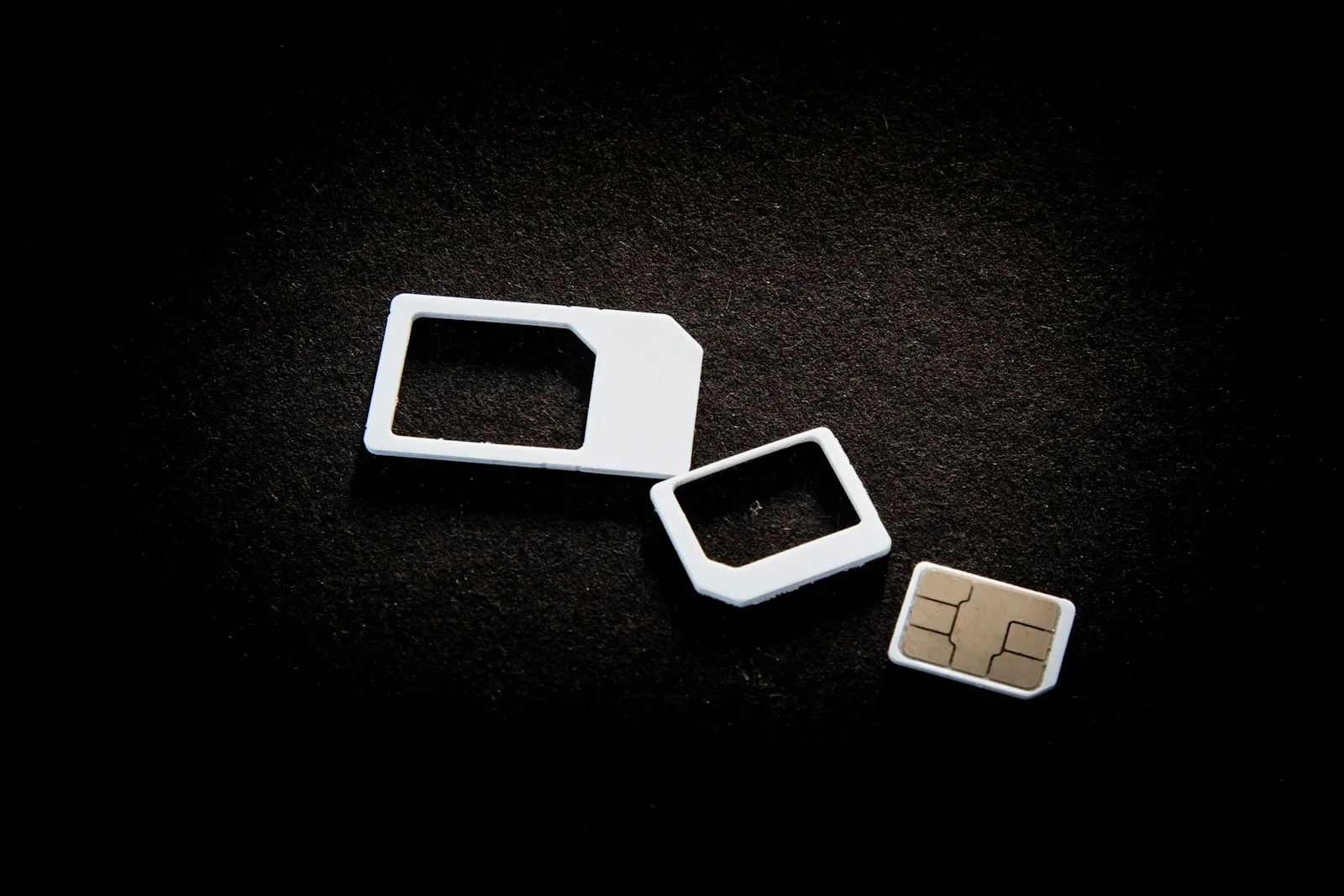
Dual SIM means your phone holds two lines at the same time: usually one physical SIM plus one eSIM, and on newer models two eSIMs. Both lines register on their networks together, so your home number can receive calls and texts while the eSIM carries data. The catch is that only one line can be the active data line at any moment, which is a phone limitation, not a plan one. That is fine for this setup: your home SIM handles voice and SMS, and the travel eSIM does all the data, so they never compete.
Make the eSIM your data line, keep home for calls and SMS
Point cellular data at the travel eSIM, and leave your home SIM as the line for calls, texts and iMessage. On iPhone go to Settings > Cellular, set Cellular Data to the travel line, and leave Default Voice Line on your home number. On Android open Settings > Network and internet > SIMs, pick the eSIM under Mobile data, and keep calls and SMS on the home SIM. This keeps your number live for WhatsApp, iMessage and the one-time bank codes many services text you, while every megabyte flows over the cheaper eSIM.
Turn off data roaming on your home line
This is the step that prevents bill shock: switch data roaming OFF for your home SIM so it cannot use data abroad at your carrier's roaming rates. In your home line's settings, set Data Roaming to off; calls and texts still work, but its data is now blocked. On iPhone, also turn off Allow Cellular Data Switching, otherwise iOS can silently fall back to your home line's data when the eSIM signal dips, which is exactly the roaming charge you are avoiding. Leave data roaming ON only for the travel eSIM, since that is simply how it reaches the local network.
Label your lines so you never mix them up
Give each line a clear name so the settings are obvious at a glance. When you add the eSIM your phone offers labels; name the travel line Travel or Bali and rename your home line Home. The labels do not change how anything works, but they make it instantly clear which line is roaming, which is carrying data and which is your voice number. That matters in the moment you are checking settings on landing day, when a line called Primary next to a line called Secondary tells you nothing useful.
Why this is the setup we recommend
This split is the recommended way to travel with a Goodbars eSIM: you keep your own number reachable and pay Bali data prices instead of home roaming rates. Friends, family and your bank can still reach your normal number, so you miss no calls or verification codes, while the data-heavy part of travel (maps, rides, translation, photos) runs on the local plan. Because the Goodbars plan is data-only, it is built to sit beside your home SIM rather than replace it. Set it once at home, and you are ready the minute you land.