


The short answer
Install an eSIM before you fly and you are online at the gate at Soekarno-Hatta, before you have even worked out which terminal you landed in. CGK is Indonesia's main international gateway and it is large: three passenger terminals, a free Skytrain between them, and an arrivals flow that takes a while when several widebodies unload together. Jakarta is one of the better-covered places in the country, with Telkomsel 5G available across much of the metro area as of July 2026. An eSIM connects by itself. A SIM counter asks for your passport first, then your patience.
Three terminals and the Skytrain between them
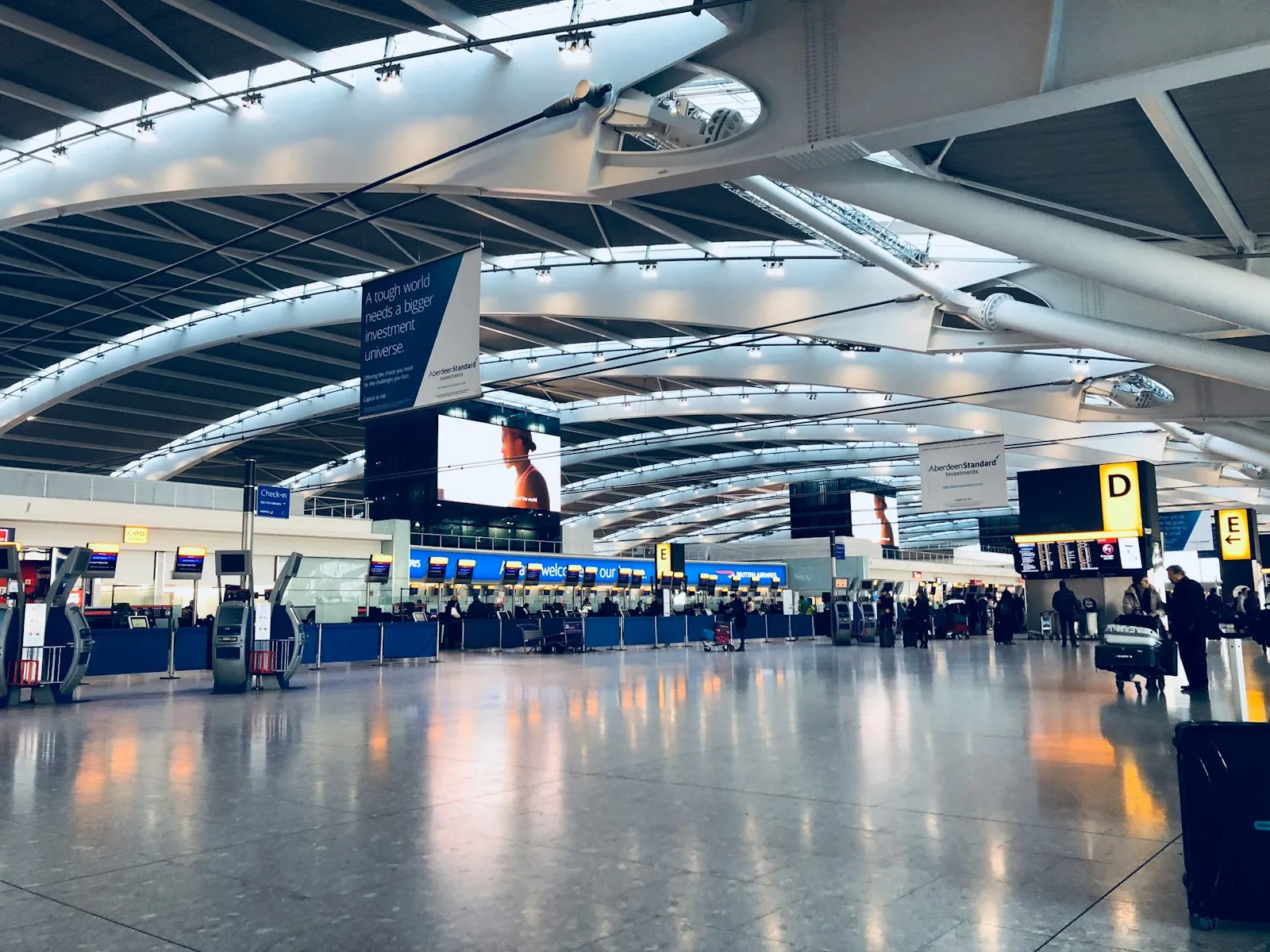
Soekarno-Hatta has three passenger terminals, and a free automated Skytrain links them to each other and to the airport railway station. Terminal 3 handles most long-haul international arrivals as of July 2026, but airlines do move between terminals, so trust your boarding pass over any guide, including this one. The terminals sit too far apart to walk, so the Skytrain is the connection rather than a convenience. If you have a domestic connection on a separate ticket, allow real time for the transfer, and allow more of it if you still have to clear immigration and collect a bag first.
Getting online on landing
The fastest route online at CGK is an eSIM installed at home that simply attaches to the local network when you switch off airplane mode. Free airport Wi-Fi exists in the terminals and is worth a try, but public airport networks are open, they slow down after a big arrival bank, and they stop at the doors. Almost everything you need data for happens past those doors: finding the right Skytrain platform, buying a rail ticket, messaging a driver who cannot find you. On landing, turn data roaming on for the travel eSIM line and set it as your data line.
SIM counters versus an eSIM you already have
The arrivals SIM counters work, but they are the slow and marked-up way onto the same network your eSIM would have used anyway. Indonesian law requires every SIM to be registered against a passport, so each sale takes counter time, and airport kiosks price above what the same data costs in town or online. A Goodbars eSIM is scanned at home on your own Wi-Fi and lands already connected to Telkomsel, which has the widest reach of any Indonesian network once you leave the city. If your phone has no eSIM support, the counter is a fair fallback rather than a mistake.
Onward transport: rail link or ride-hailing
Two sensible ways into Jakarta: the Airport Rail Link from the airport railway station, or a car booked in the Grab or Gojek app. The train skips the traffic that makes Jakarta road times unpredictable and takes roughly 45 minutes to an hour to reach the central stations, as of July 2026. You reach that station by Skytrain from your terminal, so plan for both legs. Ride-hailing is allowed, but pickups are restricted to marked points that differ by terminal, which means your app needs to be working before you go hunting for the car.
What to sort out before you fly
A short pre-flight checklist removes most of the friction at CGK. Install the eSIM at home on reliable Wi-Fi: the validity period starts when the line first connects in Indonesia, so installing early costs you nothing. Keep your home SIM active for calls and let the travel eSIM carry data. Download an offline map of the airport and the area you are heading to. Screenshot your hotel address and booking reference. Check in advance if your arrival needs a customs or immigration QR code, because filling one in on a crowded public network is a poor way to start.